Skip to content

Crypto Wallet Types Explained

mm Marcus Chen
6 min read

Essential Wallet Security Insights

  • Hot wallets expose keys to internet-connected devices, creating a structural attack surface regardless of brand or user experience.
  • Hardware wallets isolate signing operations and display critical details on a trusted screen before authorizing transactions.
  • Mobile wallets offer speed and utility but face constant link-driven risk from messages, QR codes, and app installs.
  • BIP-39 seed phrases provide vendor-agnostic portability but require offline backup and passphrase discipline to prevent total loss.
  • Cold wallet setups minimize remote attack surface but demand rehearsed restore procedures and documented operational steps.
  • Layered configurations—hardware as root of trust, small hot wallet for daily use—reduce blast radius without ceremony overhead.

On usability, most people underestimate friction as a security variable. A mobile wallet—typically a non-custodial app on iOS or Android—is fast enough that you'll actually use it, which is why it's commonly the first real wallet people adopt. The downside is structural: your phone is a high-interaction device, constantly handling messages, links, and apps.

Even with modern platform protections, a mobile-first hot wallet is a higher-risk environment than a dedicated signer. The trade-off is that phones are exposed to social engineering through QR codes, messaging, and app installs. If you use a mobile wallet, keep only a spendable amount there and treat phone replacement as an event that forces you to verify restoration from backup.

Recovery is the criterion that separates serious setups from pretty ones. Most self-custody software wallet and hardware wallet products implement BIP-39 mnemonics, where your backup is a human-readable word sequence. BIP-39 supports 12, 15, 18, 21, or 24 words, and many wallets also support an optional passphrase layer on top of those words.

The strongest point of this system is portability—your backup is vendor-agnostic in theory. The strongest weakness is also portability: anyone who gets an accurate copy of those words and any passphrase you used can usually restore the wallet elsewhere. This makes offline storage and verification of seed phrases absolutely critical.

From a reviewer's standpoint, wallet type is a set of common failure modes. Seed phrases stored in cloud notes or photographed on phones create digital copies attackers can target. Recovery words typed into websites expose credentials to phishing operations. Wallet apps installed from fake listings deliver malware disguised as legitimate software.

Laptop malware hijacking clipboard addresses silently redirects transactions to attacker-controlled wallets. Devices lost with no tested backup result in permanent fund loss. Passphrases forgotten or mis-recorded lock users out of their own holdings. Overconfidence in screenshots and folders stored in supposedly safe locations creates single points of failure.

Before you commit, run a simple checklist that appears in evaluations: keys never touch cloud storage, backup created offline and verified once, restore tested on a clean device, clear plan for passphrase handling, purchase channel verified with seals checked, and small hot wallet balance policy set.

If you want the highest security-to-effort ratio in July 2026, a reputable hardware wallet plus disciplined backups is the default recommendation, and most users should treat it as the primary vault. A hot wallet—whether a software wallet on desktop or a mobile wallet—still has a place, but only when you consciously cap exposure and accept that convenience is itself an attack surface.

Software Wallet Desktop Evaluation

Strong for fast control and broad compatibility, weak when your computer is a messy environment

Hardware wallets isolate key material from internet-connected devices
Wallet Categories

Hardware Wallet Security Architecture

Hardware wallets from mainstream vendors are designed to keep keys off your computer and phone while still letting you approve transactions with transaction integrity guarantees.

Ledger Approach

Ledger's Nano X and Stax emphasize a Secure Element with a companion app experience formerly known as Ledger Live. The Secure Element is a certified chip that protects key material even if the host device is compromised. The companion app coordinates with blockchain nodes and constructs unsigned transactions, but the signing operation happens exclusively on the hardware device. Users confirm critical details—recipient address, amount, network—on the device's trusted screen before authorizing. This architecture moves the hard problem into a smaller, more auditable box.

Trezor Architecture

Trezor's Safe lineup, including Safe 3 and Safe 5, explicitly combines a Secure Element with an approach intended not to compromise Trezor's open-source commitments. The firmware remains auditable, and the signing flow follows the same principle: transaction details are displayed on the device screen, and the user confirms before keys are applied. The Safe devices add physical security features like PIN entry directly on the hardware and optional passphrase support for an additional recovery layer. This design prioritizes transparency and user control over closed ecosystems.

Cold Storage Model

Cold wallet setups are not always a product—they are often a workflow. Some users keep a hardware wallet powered off and only bring it out for planned transactions. Others use devices designed around minimizing network exposure and focusing on offline signing. The upside is a reduced remote attack surface. The downside is operational complexity: if you don't rehearse the restore process and document your steps, cold storage can fail silently until the day you need it. This model works best for long-term holdings that rarely move.

Common Wallet Failure Modes

Real patterns that show up again and again in documented losses

For most people, the best-performing configuration is not ideological; it's layered. Use a hardware wallet as the root of trust, pair it with a software wallet interface you like for visibility and coordination, and optionally maintain a small hot wallet—often a mobile wallet—for daily use. That split reduces the blast radius of a compromised phone or laptop without turning every transaction into a ceremony.

This layered approach means your primary holdings stay on the hardware device, which you bring online only for planned transfers or when you need to sign high-value transactions. Your software wallet interface displays balances and transaction history without ever touching the keys, acting as a read-only window into your holdings. The small hot wallet holds spending money for everyday purchases—coffee, online services, peer transfers.

The discipline required is simple: never move more than you can afford to lose onto the hot wallet. Set a hard ceiling based on your risk tolerance—whether that's fifty dollars or five hundred—and stick to it. When the hot wallet runs low, you make a deliberate transfer from the hardware vault. When it exceeds your ceiling, you sweep the excess back to cold storage.

This configuration acknowledges that pure cold storage is impractical for active users who need to transact regularly, while pure hot storage is reckless for anyone holding significant value. The layered model accepts the reality of both needs and structures your setup to contain the damage if either layer is compromised. A stolen phone costs you only the hot wallet balance, not your entire portfolio.

The software wallet interface can be chosen for user experience and feature set without compromising security, because it never has custody of keys. You can use a popular mobile app for its clean transaction history, or a desktop client for its advanced coin support, while the actual signing authority remains locked in hardware. This separation of concerns is the practical implementation of defense in depth.

When evaluating this layered setup, the critical checkpoints are: does your hardware device support the coins you hold, have you tested restore on a different device, do you have a documented process for topping up the hot wallet, and have you verified that your software interface never asks for seed words. Any interface requesting your recovery phrase is a red flag—legitimate software wallets read addresses and broadcast signed transactions without ever seeing the keys.

The final consideration is operational testing. Schedule a quarterly drill: wipe your software interface and restore it, transfer a small amount from hardware to hot wallet and back, and verify that you can locate your seed phrase backup within sixty seconds. These drills expose documentation gaps and muscle-memory failures before they matter. A recovery plan that hasn't been tested is just optimistic documentation.

If you're unwilling to practice recovery or you know you'll cut corners on setup, self-custody may not be the right fit. In that case, choosing a more managed custody model can be safer than pretending you're running a security program. The worst outcome is the false confidence of a hardware wallet you can't actually recover.

Hardware Wallet Implementation Checklist

Pre-Commitment Security Checklist

  • Keys never touch cloud storage or synchronized folders
  • Backup created offline and verified once on clean device
  • Restore process tested before significant funds are transferred
  • Clear documented plan for passphrase handling and storage
  • Purchase channel verified with tamper seals checked
  • Small hot wallet balance policy set and enforced
  • Software wallet interface never requests seed phrase input
  • Quarterly recovery drill scheduled to test documentation

Mobile Wallet Risk Profile

Strong on speed and everyday utility, weak on link-driven risk and device churn

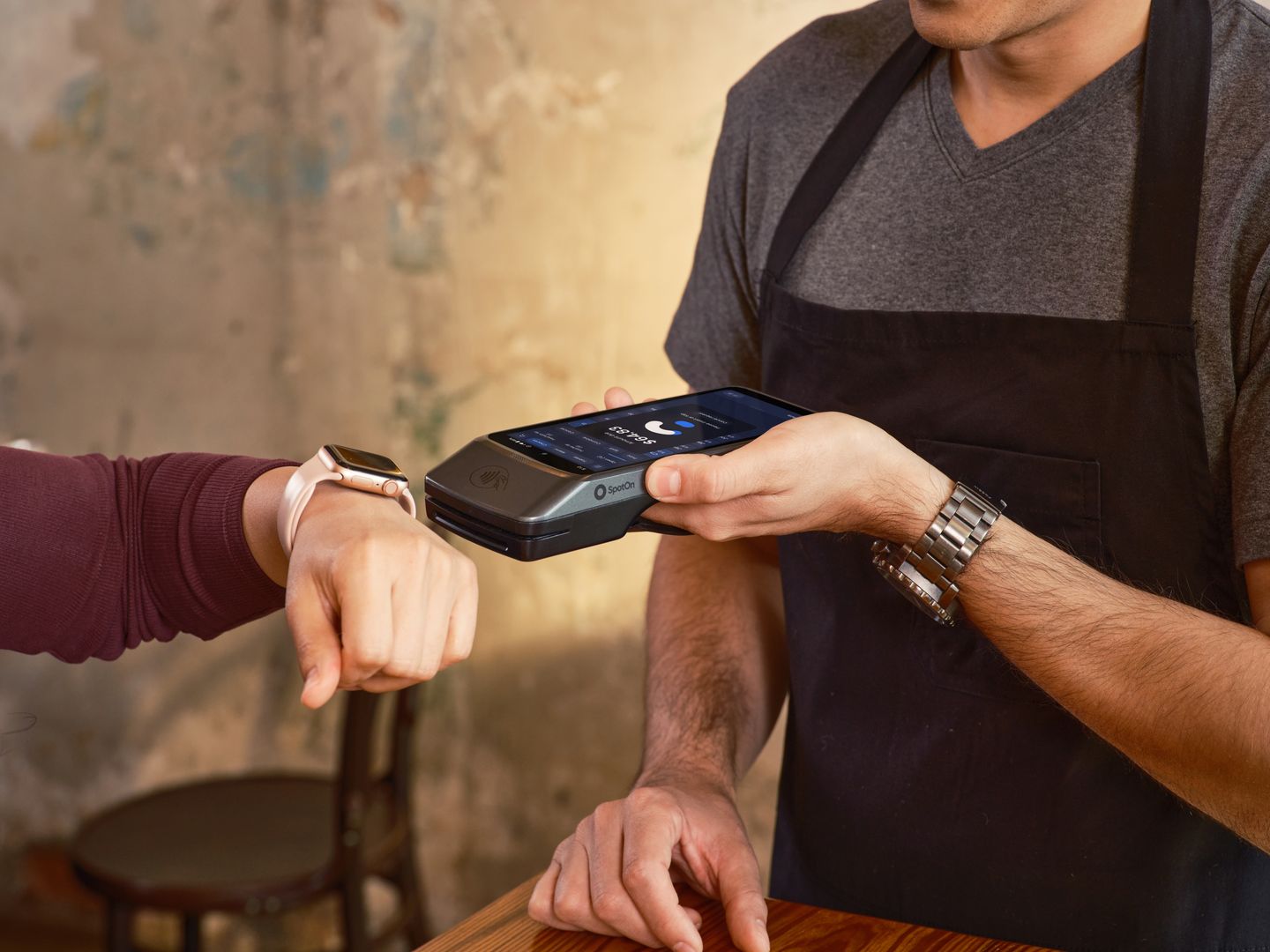
A mobile wallet is often the least painful way to pay, receive, and verify balances on the go. The interface is optimized for quick scanning, tap-to-confirm transactions, and integration with mobile operating system security features like biometric authentication and secure enclaves. For small everyday purchases—coffee, peer transfers, tipping—mobile wallets provide the friction-free experience that makes cryptocurrency feel like currency rather than an investment instrument.

The trade-off is that phones are constantly exposed to social engineering vectors that desktop computers rarely face. QR codes in public spaces can encode malicious addresses or phishing links. Messaging apps deliver fraudulent transaction requests disguised as legitimate payment flows. App stores host convincing clones of popular wallet applications, complete with stolen branding and fake reviews, waiting to harvest seed phrases from careless users.

Mobile operating systems provide robust sandboxing and permission controls, but they cannot protect against user decisions made under social pressure or urgency. A convincing message from a spoofed contact asking for an urgent payment, a QR code at a compromised merchant terminal, or a notification that appears to come from your wallet provider—all of these exploit the high-interaction, high-trust environment that makes mobile devices useful in the first place.

Device churn creates additional risk. Phones are upgraded, lost, stolen, or damaged more frequently than desktop computers or dedicated hardware wallets. Each transition event is an opportunity for recovery failure: a backup that wasn't tested, a seed phrase that wasn't recorded accurately, a passphrase that was only stored in the old device's notes app. The faster replacement cycle means mobile wallet users face recovery scenarios more often than other wallet types.

If you use a mobile wallet, two habits are essential. First, keep only a spendable amount there—treat it as a checking account rather than a vault. The exact threshold depends on your risk tolerance and transaction patterns, but if losing your phone would cause financial distress, you're holding too much on mobile. Second, treat phone replacement as a forcing function for backup verification. Before you erase the old device, confirm that you can restore from seed phrase on a test device.

The mobile wallet's strength—ubiquity and ease of use—makes it the entry point for most users' first self-custody experience. That role is valuable, but it should be temporary. As holdings grow or as users encounter their first social engineering attempt, the logical evolution is to migrate primary holdings to a hardware wallet while keeping the mobile wallet funded only for operational needs.

Platform-specific risks differ between iOS and Android. iOS benefits from tighter app review and a more constrained permission model, but also from a more centralized trust model where compromising Apple's infrastructure would affect all users simultaneously. Android offers greater flexibility and open-source transparency but faces a more fragmented ecosystem where security update cadence varies by manufacturer and carrier.

Neither platform eliminates the fundamental tension: mobile wallets prioritize convenience in an environment designed for constant interaction, while security requires isolation and deliberate friction. The best mobile wallet implementations acknowledge this tension by limiting on-device key storage to small amounts, encouraging hardware wallet integration for signing larger transactions, and providing clear recovery documentation that users actually test before they need it.


Wallet Selection Decision Framework

Use these criteria to evaluate which wallet type fits your security requirements, operational patterns, and recovery capabilities before committing funds.

  • Exposure surface matches threat model
  • Transaction integrity guarantees verified
  • Recovery procedure tested on clean device
  • Balance policy set for hot wallet holdings
  • Passphrase handling documented and practiced
  • Purchase channel verified for hardware devices
Read More Reviews